
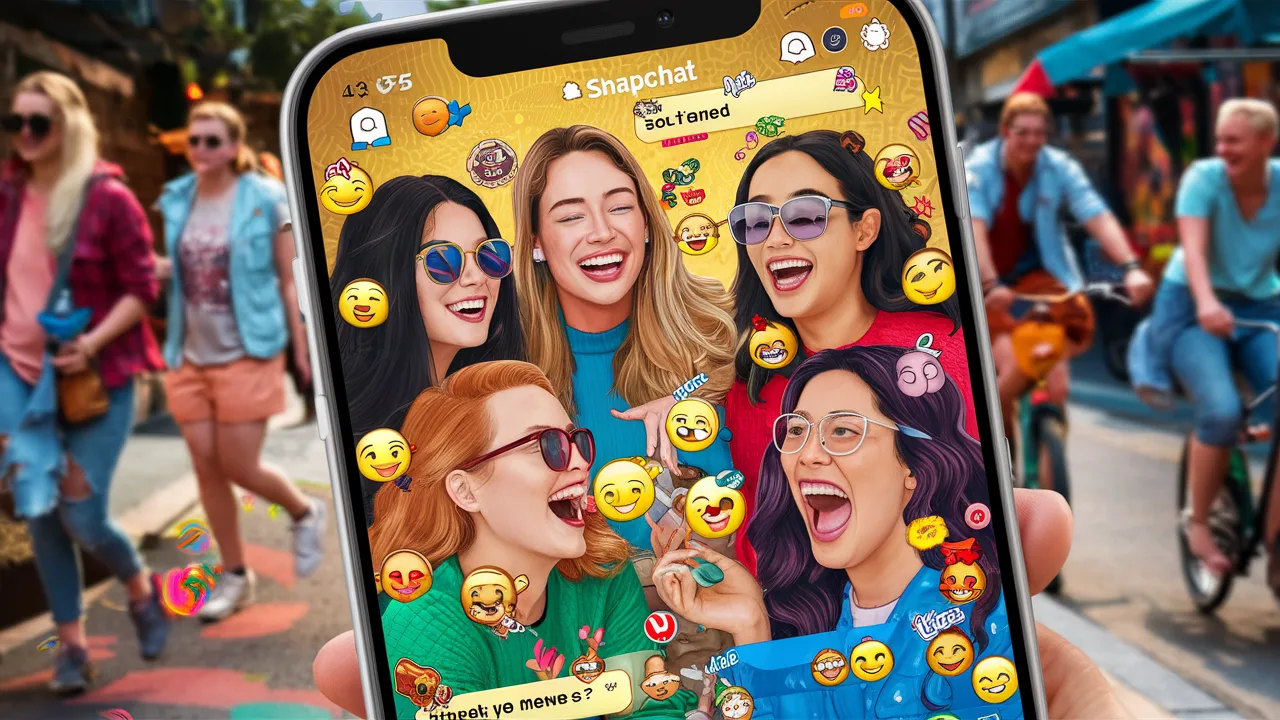
The Snapchat group chat feature has become one of the most popular ways for users to communicate with multiple friends at once in a fast, interactive, and visual environment. Unlike traditional messaging apps, Snapchat group chat is built around real-time interaction, disappearing messages, multimedia sharing, and playful engagement tools that keep conversations lively. Whether you are coordinating with friends, classmates, coworkers, or family members, understanding how Snapchat group chat works can significantly improve communication and engagement. In this comprehensive guide, we cover everything you need to know about Snapchat group chat, including how to create one, key features, limits, privacy controls, common problems, and tips for using it effectively.
What Is a Snapchat Group Chat?
A Snapchat group chat is a messaging space that allows multiple users to communicate together within a single conversation. Instead of sending individual snaps or messages to each person, users can share text messages, photos, videos, voice notes, stickers, GIFs, and Bitmojis with everyone in the group simultaneously. Like other Snapchat messages, most group chat messages disappear automatically after they are viewed, depending on chat settings.
This feature is integrated directly into Snapchat, making it easy to start group conversations without downloading additional apps or tools.
How to Create a Snapchat Group Chat
Creating a Snapchat group chat is simple and can be done in just a few steps. First, open the Snapchat app and go to the Chat screen. Tap the new chat icon and select multiple friends from your contact list. Once you choose at least two friends, Snapchat automatically creates a group chat. You can then name the group, customize notifications, and start messaging immediately.
There is no need for admin approval to start a group, making Snapchat group chats flexible and spontaneous.
Snapchat Group Chat Features Explained
Snapchat group chats include a wide range of features designed to enhance interaction. Users can send disappearing text messages, photos, and videos that delete after viewing. Voice and video calls can be initiated directly from the group chat, allowing real-time conversations with multiple participants. Stickers, Bitmojis, emojis, and GIFs add personality and fun to discussions.
Another unique feature is group reactions, where members can respond instantly to messages, creating dynamic and engaging conversations that feel more interactive than standard messaging apps.
Snapchat Group Chat Message Behavior
One of the most distinctive aspects of Snapchat group chat is how messages behave. By default, messages disappear after everyone in the group has viewed them. This encourages open and casual communication without long-term message history. However, users can change chat settings to allow messages to remain visible for 24 hours if needed.
Snaps sent in group chats are only deleted once all participants have opened them, ensuring everyone has a chance to see shared content.
Snapchat Group Chat Limits and Size
Snapchat allows group chats with up to 100 participants, making it suitable for large friend groups, event planning, or community discussions. Despite the large capacity, performance remains smooth due to Snapchat’s optimized message handling.
There is no limit to how many group chats a user can create or join, although managing notifications effectively becomes important with multiple active groups.
Privacy and Control in Snapchat Group Chats
Privacy is a key component of Snapchat group chat functionality. Users can leave a group chat at any time without notifying others explicitly. Once a user leaves, they no longer receive messages from that group. Group members cannot add new participants without starting a new group chat.
Snapchat also allows users to mute notifications, block individuals, or report inappropriate behavior directly from the group chat interface.
Snapchat Group Chat vs One-on-One Chat
While both chat types share similar features, Snapchat group chat differs in several ways. Messages are only deleted after all members view them, rather than individually. Group chats also enable collaborative interaction, making them ideal for planning, discussions, and shared experiences.
One-on-one chats, on the other hand, offer more privacy and direct communication, making them better suited for personal conversations.
Why Snapchat Group Chat Is So Popular
Snapchat group chat is popular because it combines instant messaging with multimedia storytelling. The disappearing nature of messages reduces pressure, while creative tools encourage expression. Users enjoy the balance between privacy, fun, and real-time engagement.
This format aligns perfectly with modern communication habits, where speed, visuals, and authenticity matter more than permanent message records.
Common Issues With Snapchat Group Chat
Users sometimes experience issues such as messages not sending, delayed notifications, or difficulty adding participants. These problems are often caused by poor internet connectivity, outdated app versions, or device restrictions. Updating the app and checking permissions usually resolves these issues quickly.
Another common concern is message confusion in large groups, which can be managed by using replies and reactions effectively.
Best Practices for Using Snapchat Group Chat
To get the most out of Snapchat group chat, keep groups purpose-driven and avoid overcrowding conversations. Use clear snaps or messages to maintain context. Customize notification settings to prevent distractions. Respect privacy by avoiding screenshots or saving content without permission.
Establishing basic group etiquette helps maintain positive and enjoyable interactions.
SEO Value of the Snapchat Group Chat Keyword
From an SEO perspective, snapchat group chat is a high-volume, evergreen keyword. Users consistently search for how-to guides, feature explanations, and troubleshooting tips. Long-form content that answers these questions in detail is well-positioned to rank and attract sustained traffic.
Conclusion: Why Snapchat Group Chat Matters
Snapchat group chat is a powerful communication tool that brings people together through real-time, creative interaction. Its disappearing messages, rich multimedia features, and flexible privacy controls make it ideal for both casual and organized conversations. By understanding how Snapchat group chat works and using it strategically, users can communicate more effectively while enjoying the unique social experience Snapchat offers.
Frequently Asked Questions (FAQ)
What is a Snapchat group chat?
It is a chat that allows multiple users to communicate together using messages, snaps, calls, and media.
How many people can be in a Snapchat group chat?
Up to 100 participants can be included in a single group chat.
Do Snapchat group chat messages disappear?
Yes, messages disappear after everyone has viewed them, unless settings are changed.
Can I leave a Snapchat group chat?
Yes, you can leave a group chat at any time without notifying others directly.
Are Snapchat group chats private?
Yes, only invited members can see and participate in the group chat.
